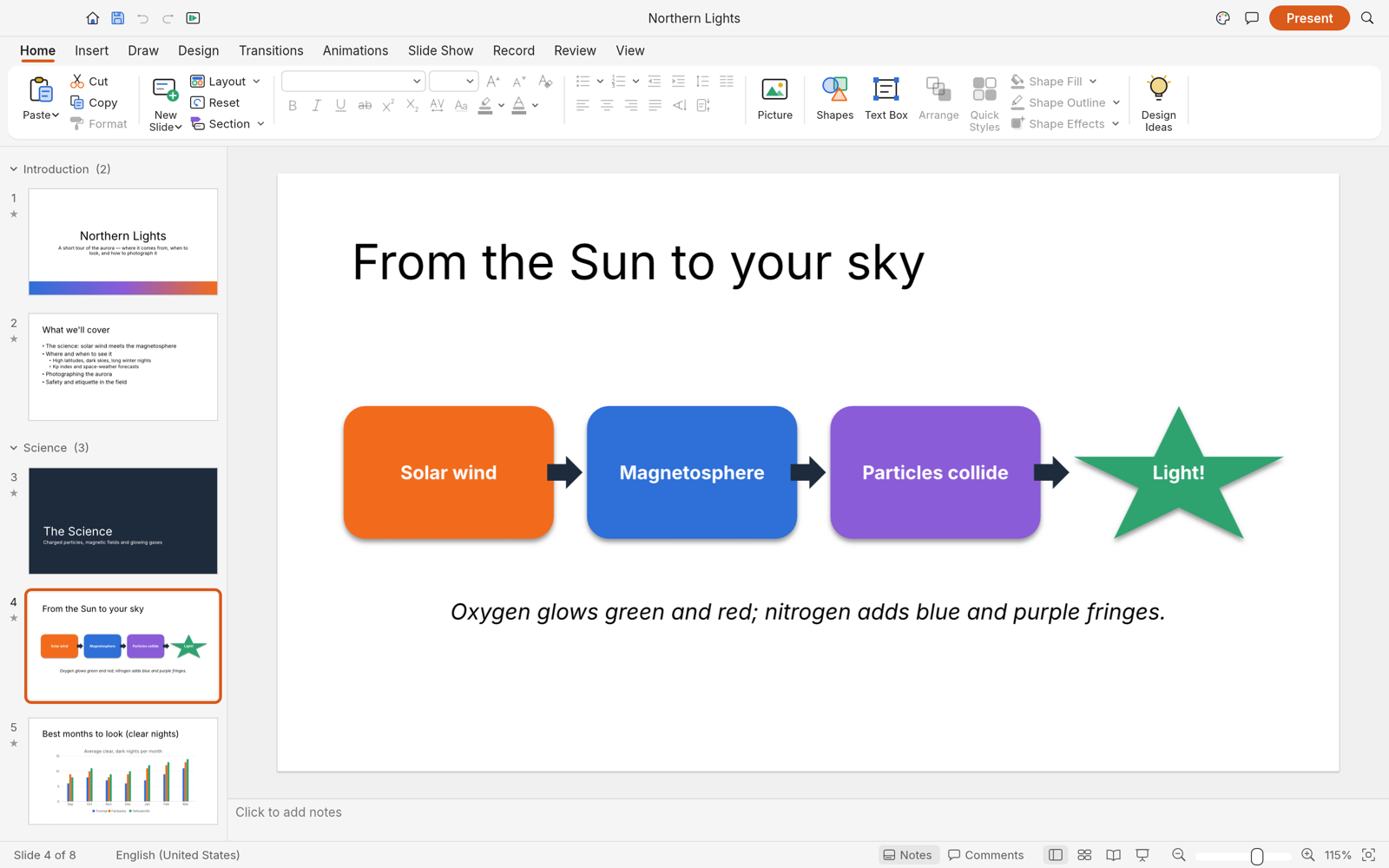
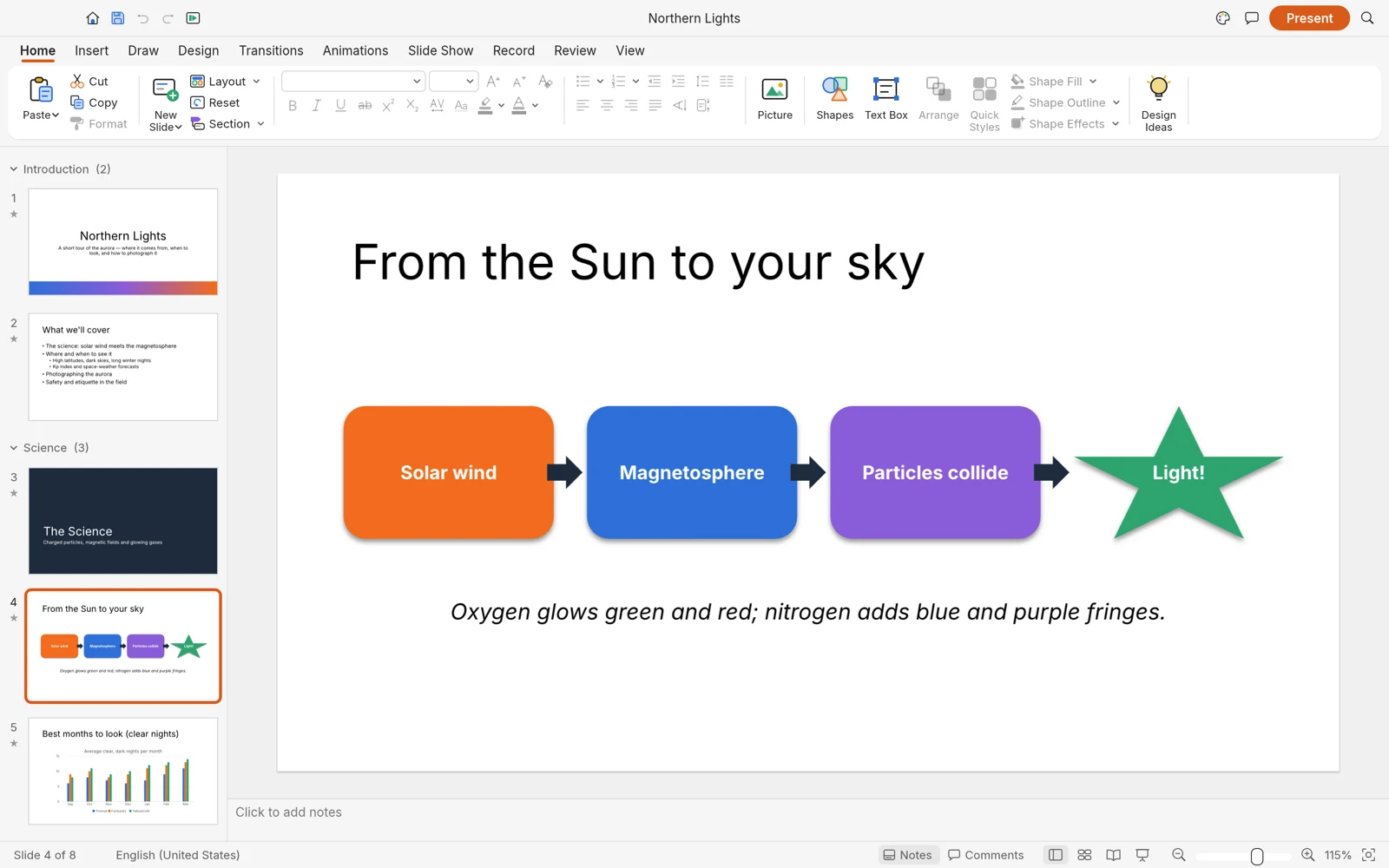
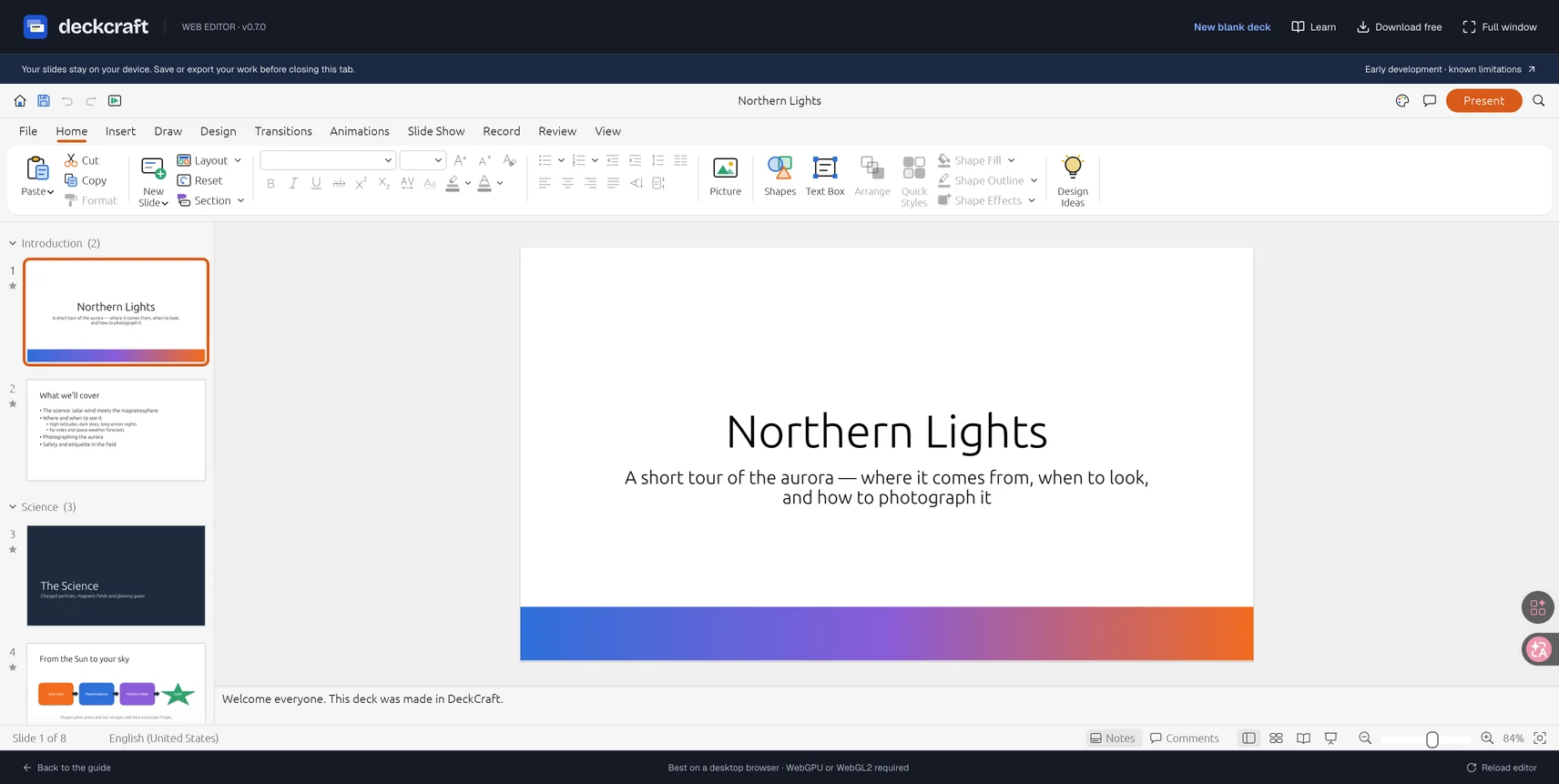
The real DeckCraft editor: slide thumbnails, canvas, and a ribbon you already know.
Open & save .pptx
Built in pure Rust
Desktop & browser
MIT / Apache-2.0
Try the DeckCraft online editor
Create DeckCraft slides here without leaving the page. Start a blank presentation or explore the sample deck, then open, edit, and save files using the editor toolbar.
Everything your DeckCraft slides need.
A familiar workspace with the tools that bring a deck together, from the first slide to the final applause.
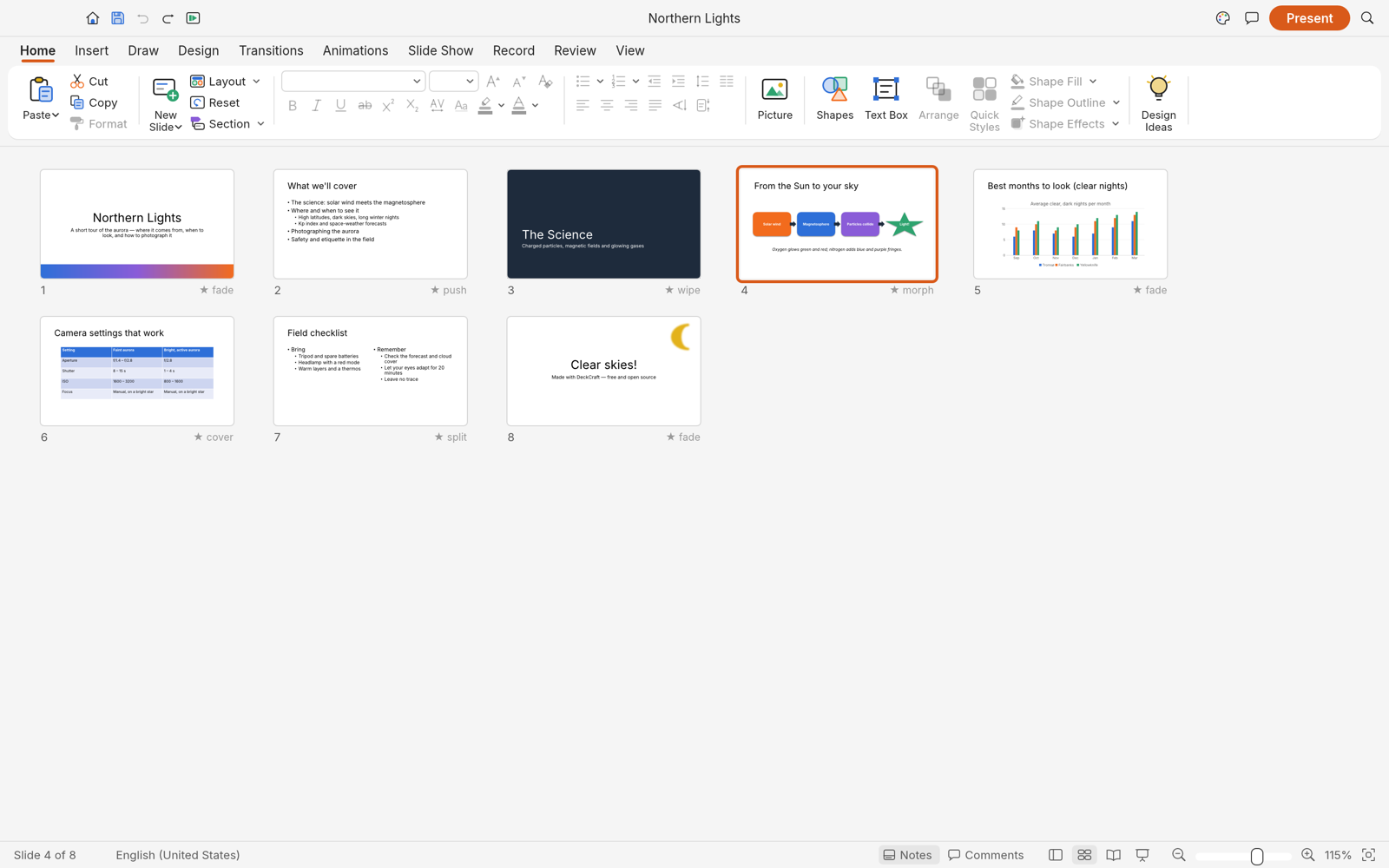
Build a deck with themes, slide masters, and reusable layouts. Keep your ideas organized with slide sections and speaker notes.
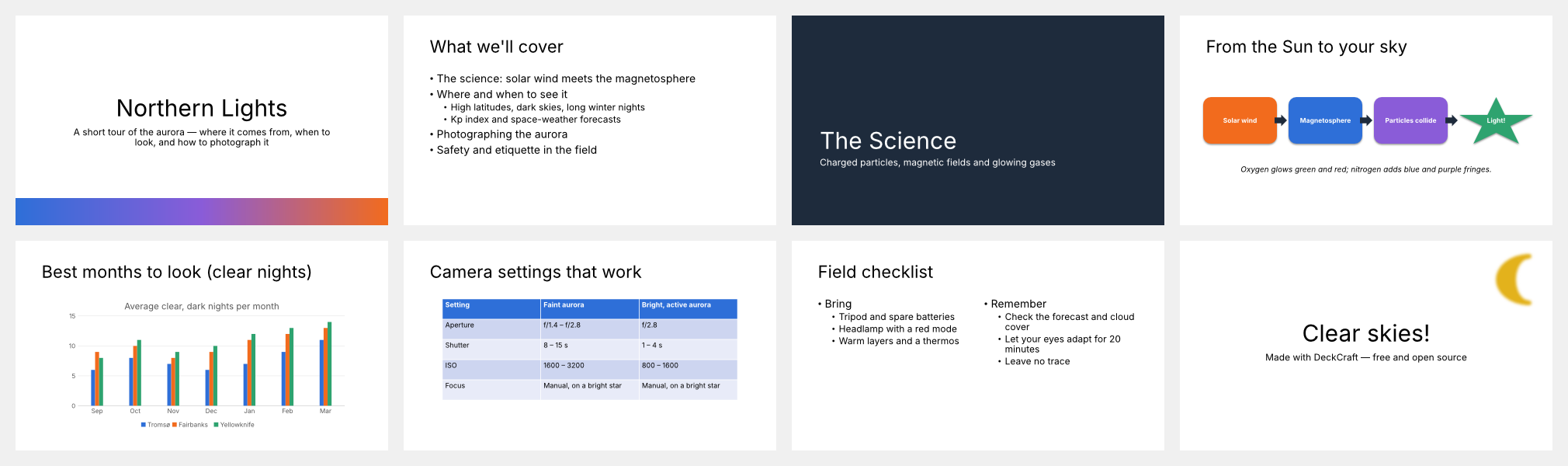
Actual DeckCraft screenshots, courtesy of the ArtCraft open-source project.
What is DeckCraft?
DeckCraft is free, open-source presentation software for making slides, building decks, and presenting them. It is developed by the ArtCraft team at Storytold, written in pure Rust, and released under the MIT or Apache-2.0 license. Run it as a native desktop app on macOS, Windows, and Linux, or open the same editor in your browser through WebAssembly with nothing to install.
The DeckCraft online editor puts slide thumbnails on the left, a canvas in the middle, and formatting tools within reach. If you know PowerPoint, Keynote, or Google Slides, the workspace should feel familiar. Start with a sample presentation on this page, or create a blank deck and build your own story. The source code is open to read, build, and improve, with no subscription required.
DeckCraft slides cover the everyday work of a presentation. Start from a theme, set up slide masters and reusable layouts, then add text, pictures, charts, and vector shapes. Group the deck into sections, write speaker notes, and style shapes with fills, gradients, and outlines. When the content is ready, add transitions plus entrance, emphasis, and exit animations to tell the story one point at a time.
Edit PowerPoint files with DeckCraft
DeckCraft opens and saves .pptx, the format Microsoft PowerPoint uses, so you can take a deck a colleague sent, edit it, and send it back. The project is still in early development, so complex formatting, embedded media, and advanced PowerPoint features may not round-trip perfectly. Work from a copy of important files and check the result before you share it.
DeckCraft online editor and desktop app
Use the DeckCraft online editor on this page without an account or installer. The browser runs the real open-source WebAssembly build, with WebGPU or WebGL2 support. Open presentations from your device and save your work before leaving. For longer editing sessions, the DeckCraft desktop app offers a universal Mac build, Windows installers and portable downloads, plus AppImage, .deb, and .rpm packages for Linux.
Who DeckCraft is for
Use DeckCraft slides for class projects, teaching materials, project updates, and talks. Students can build a presentation without buying another subscription. Teachers can prepare lesson slides on a school laptop. Linux users can choose a native app, while developers can inspect the source. Try your own workflow with a small deck first, especially when exchanging files with PowerPoint users.
How to make DeckCraft slides in four steps
From a blank canvas to a finished presentation, the whole DeckCraft workflow fits into one sitting.
Open
Start the DeckCraft online editor on this page. Choose a blank presentation or the sample deck, then use the editor to open an existing file from your computer.
Design
Pick a theme and a layout, then add text, images, charts, and shapes. Slide masters keep every slide consistent.
Animate
Add transitions between slides and entrance, emphasis, or exit animations that reveal ideas in order. Preview before you present.
Present
Go full screen, follow your speaker notes, and rehearse your timing. Save back to .pptx when you are done.
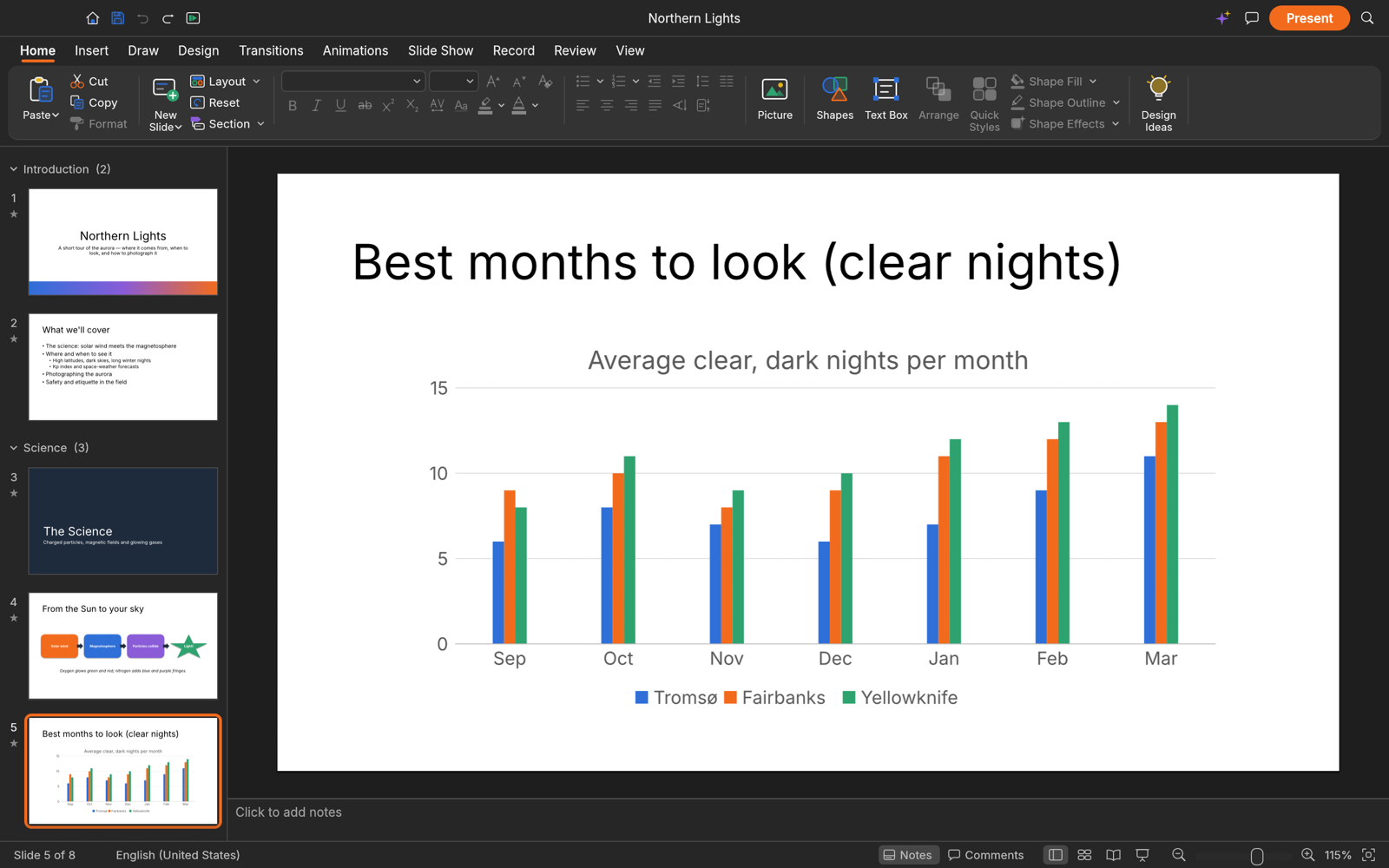
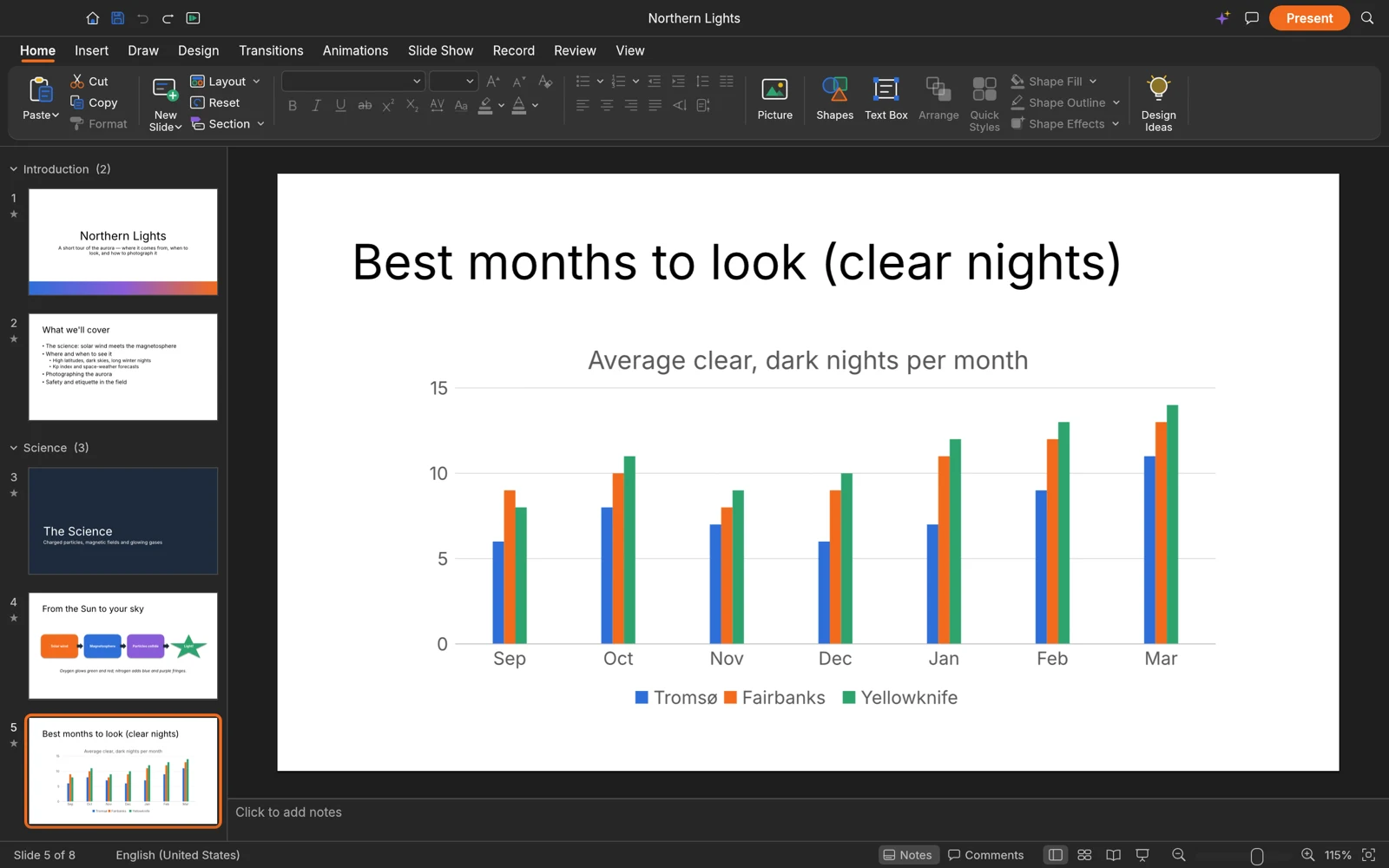
DeckCraft in dark mode, with a native chart slide.
Your presentation. Your way.
Great tools should make room for your ideas. DeckCraft pairs a familiar presentation workflow with the freedom of open-source software.
Learn how to plan, design, check, and present a complete DeckCraft slide deck, with a worked example, real screenshots, and a practical delivery checklist.
Choose the right DeckCraft download, install it on your computer, verify the release, and troubleshoot first-launch problems without risking your original slides.
Use DeckCraft online to start a slide deck, edit in the browser, save a usable copy, and solve loading or graphics problems with a clear step-by-step workflow.
Compare DeckCraft and PowerPoint by real workflow: editing, browser access, PPTX compatibility, collaboration, and a repeatable test before you switch tools.
Yes. The ArtCraft team publishes DeckCraft as open-source software under MIT or Apache-2.0 licensing. You can use the desktop and web builds without buying a subscription.
What can I make with DeckCraft slides?
Pitch decks, class presentations, lesson slides, project updates, and conference talks. DeckCraft covers themes, layouts, text, images, charts, shapes, transitions, animations, and speaker notes, which is what most everyday presentations need.
Can I open my PowerPoint files?
DeckCraft can open and save .pptx presentations. It is still in early development, so complex formatting, media, or advanced PowerPoint features may not round-trip perfectly. Always work from a copy and check the exported result.
How does the online editor work?
Start the DeckCraft online editor directly on this page by choosing a blank presentation or a sample deck. It runs the actual open-source WebAssembly build, rather than a screenshot or demo animation. Open files from your device and save or export them back to it. A modern desktop browser with WebGPU or WebGL2 works best; the first launch downloads the app.
Does DeckCraft work on Mac, Windows, and Linux?
Yes. DeckCraft ships a universal macOS build for Apple silicon and Intel, Windows installers for x64 and ARM64 plus a portable zip, and Linux packages as AppImage, .deb, and .rpm. The online editor covers other systems with a modern desktop browser.
Is DeckCraft a good PowerPoint alternative?
For everyday decks, yes, especially if you want free, open-source software or a native Linux app. PowerPoint still leads on advanced features, add-ins, and real-time co-authoring. Our DeckCraft vs. PowerPoint page walks through the differences honestly.
Do I need an account? Where are my files?
No account is required to try the editor or download the software. Documents are handled in the browser and saved to your device; this site does not provide cloud document storage or real-time collaboration. Save your work before closing the tab.
Is deckcraft.me the official DeckCraft website?
No. This is an independent English-language guide and browser access point. DeckCraft is developed by the ArtCraft team at Storytold. Official source, downloads, and project information are linked throughout this site.
Your next deck starts with one slide.
Open DeckCraft in your browser, start from a blank slide, and see where the idea takes you.