
01 / 05
Create your first slide
Start a new presentation or open a sample deck to explore. The ribbon holds your editing tools, thumbnails organize your slides, and the canvas is where your idea takes shape.
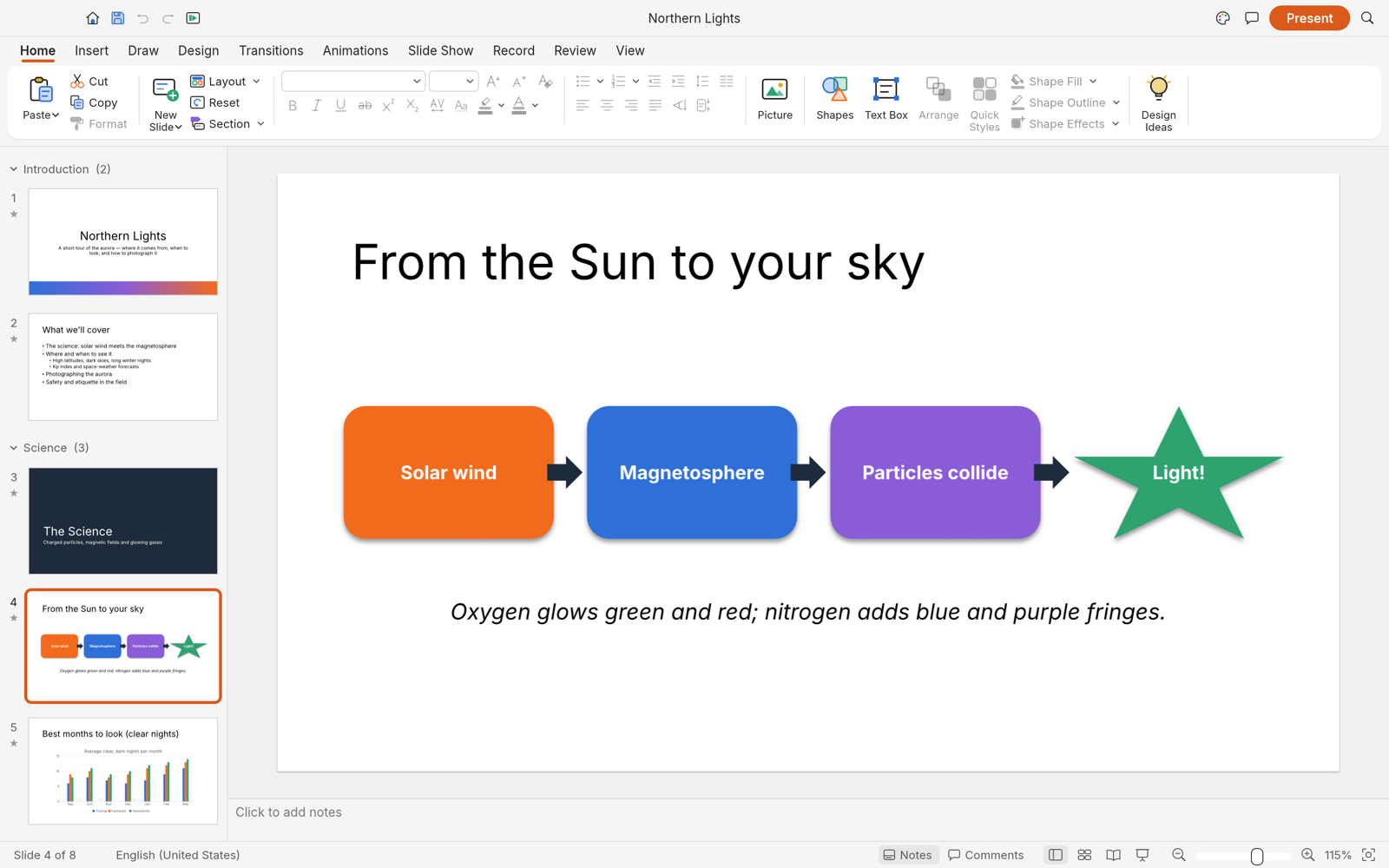
- Choose a slide layout with placeholders that suit your content.
- Add a title and a short supporting sentence. Keep one main idea on each slide.
- Use the slide thumbnails to select the slide you want to edit.
Screenshots and feature references: official DeckCraft documentation.